Free learning game · Android & Windows

Learn to code, animate and build robots by playing.

Maker Lab turns real skills into a level map. Write JavaScript, make 3D scenes move and program a robot, one short level at a time, with Sprocket the robot coaching you.

34 levels · 3 worlds · no account needed · or play in your browser

Three worlds to explore

Each world is a winding path of levels. Finish one to unlock the next, earn up to three stars, and beat the boss at the end.

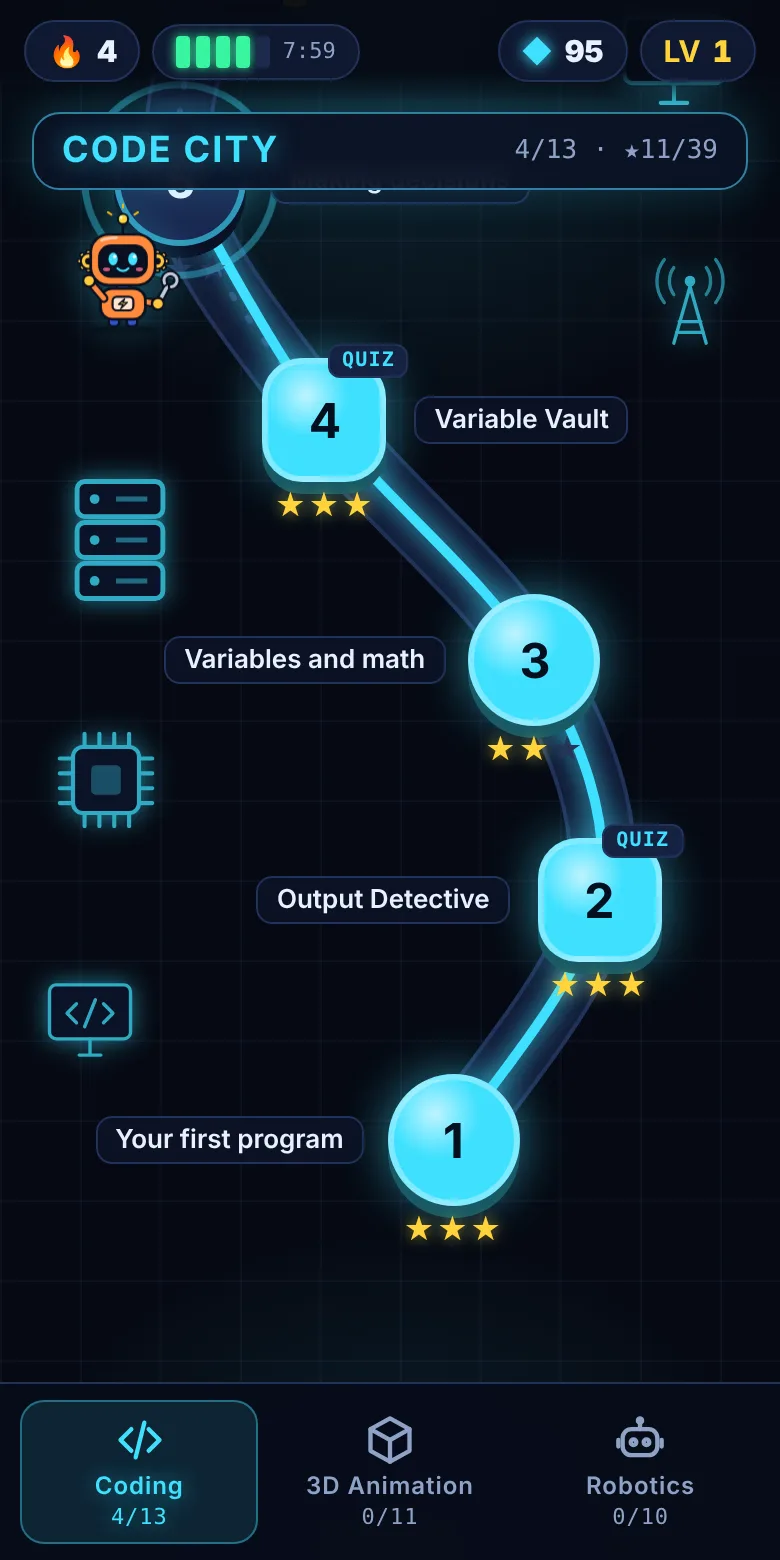
Code City

13 levels · real JavaScript
  • Your first program, variables and maths
  • If/else decisions and loops
  • Functions and lists
  • Bug Hunt quizzes and the Code Core boss

Polygon Peaks

11 levels · 3D animation
  • Scenes, cameras and meshes
  • Move, rotate and scale in 3D
  • Keyframes, easing and animation code
  • Lights, shadows and parent–child rigs

Robot Factory

10 levels · robot simulator
  • Drive a two-wheeled robot
  • Program moves and sensor loops
  • Line following with light sensors
  • Robot arm kinematics

Built like a game

Short levels, instant feedback and a coach who reacts to everything you do.

Sprocket coaches you

He tells you what to try next, cheers when your code works and helps when there's a bug.

Stars and XP

No mistakes earns three stars. XP raises your level as you go.

Energy cells

Wrong answers drain a cell. Cells recharge over time, and finishing a level refills one.

Daily streak

Finish a level each day to keep your streak burning.

See it in action

Real screens from the app.

The Code City map: a glowing path of numbered levels with stars, and Sprocket standing at the current level
The level map
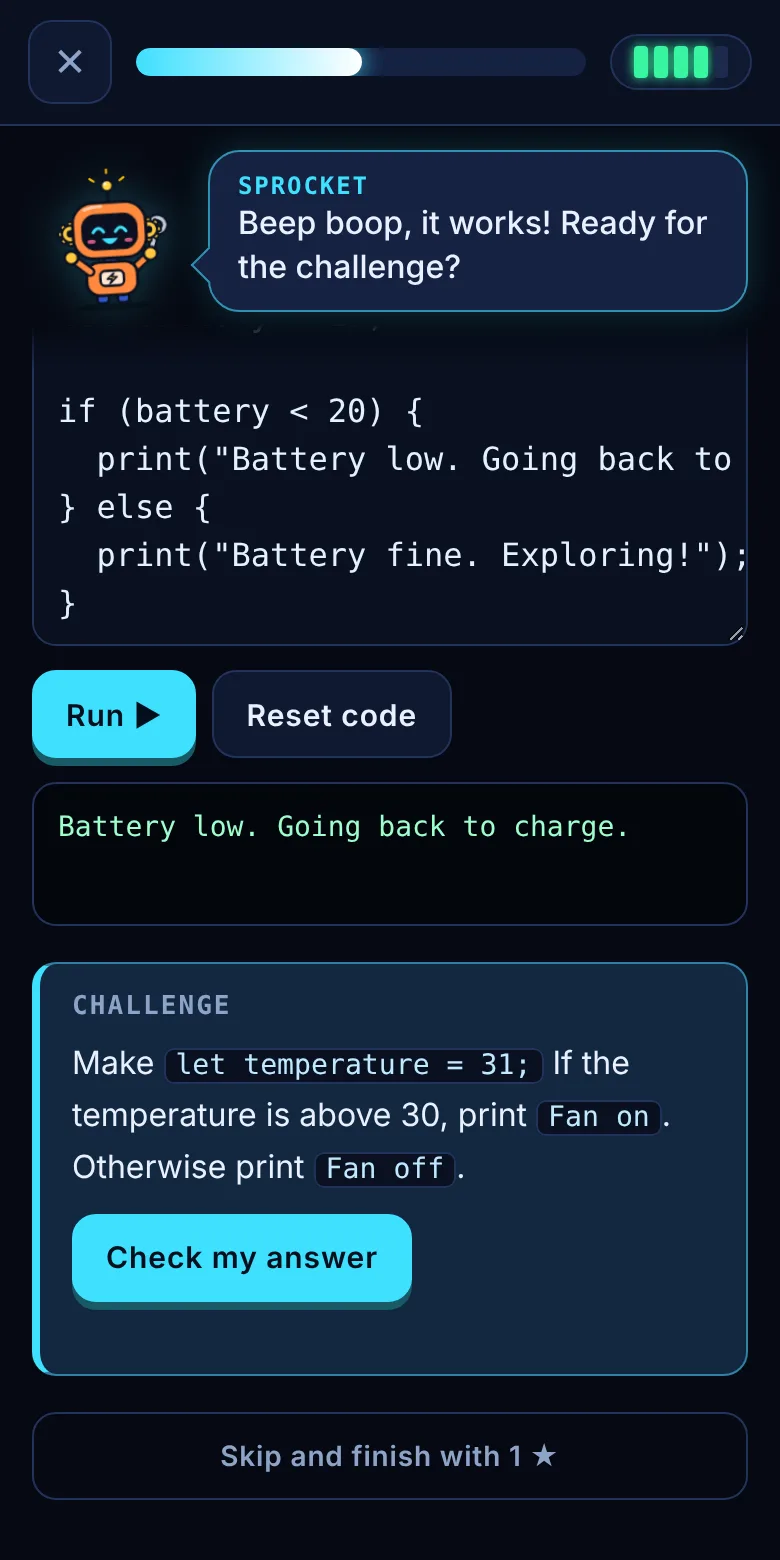
A coding level: Sprocket says the code works, with a code editor, output and a challenge below
Coding lab
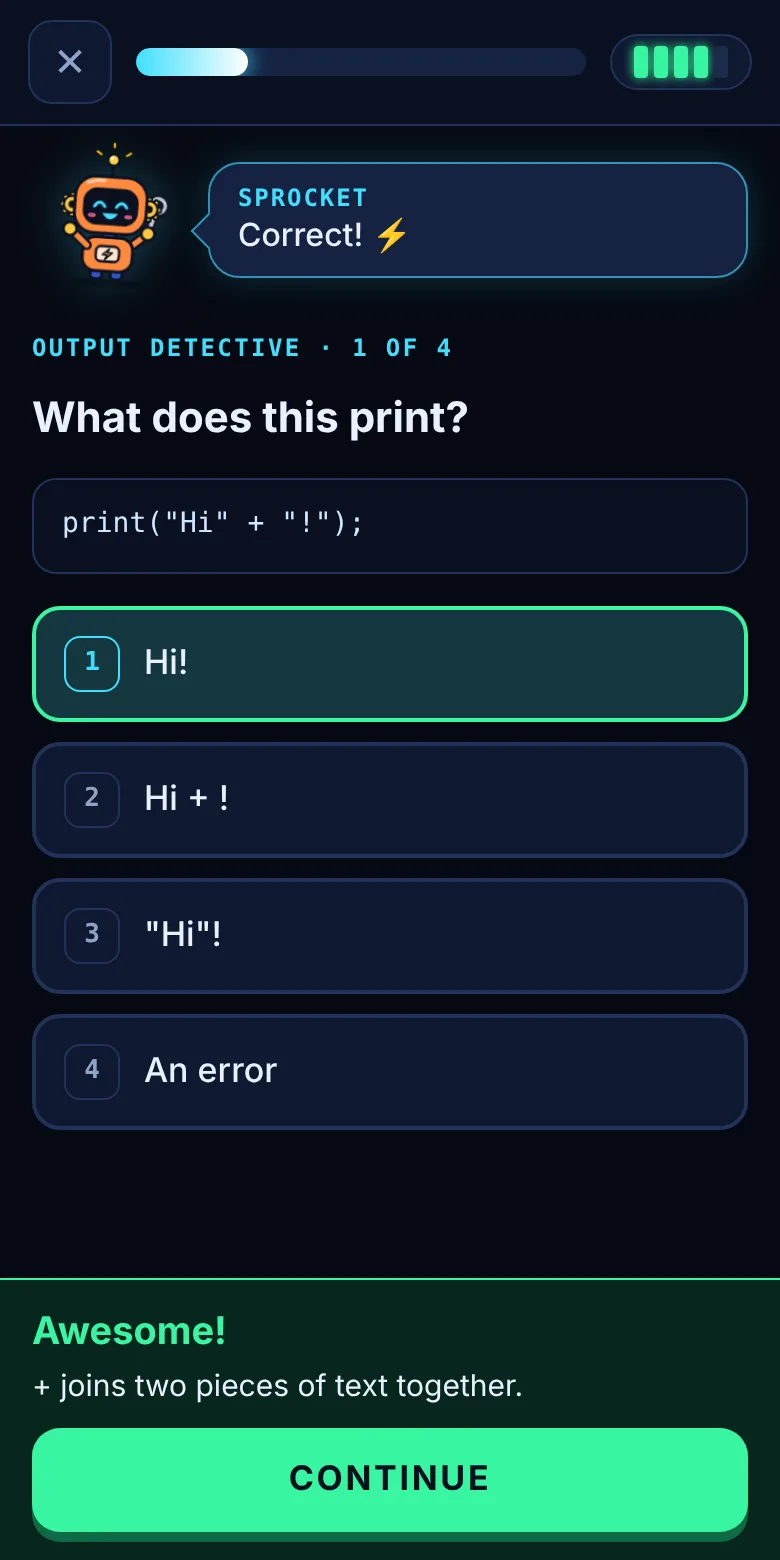
A quiz question with four answers; the correct one is highlighted green and Sprocket says Correct
Quiz levels
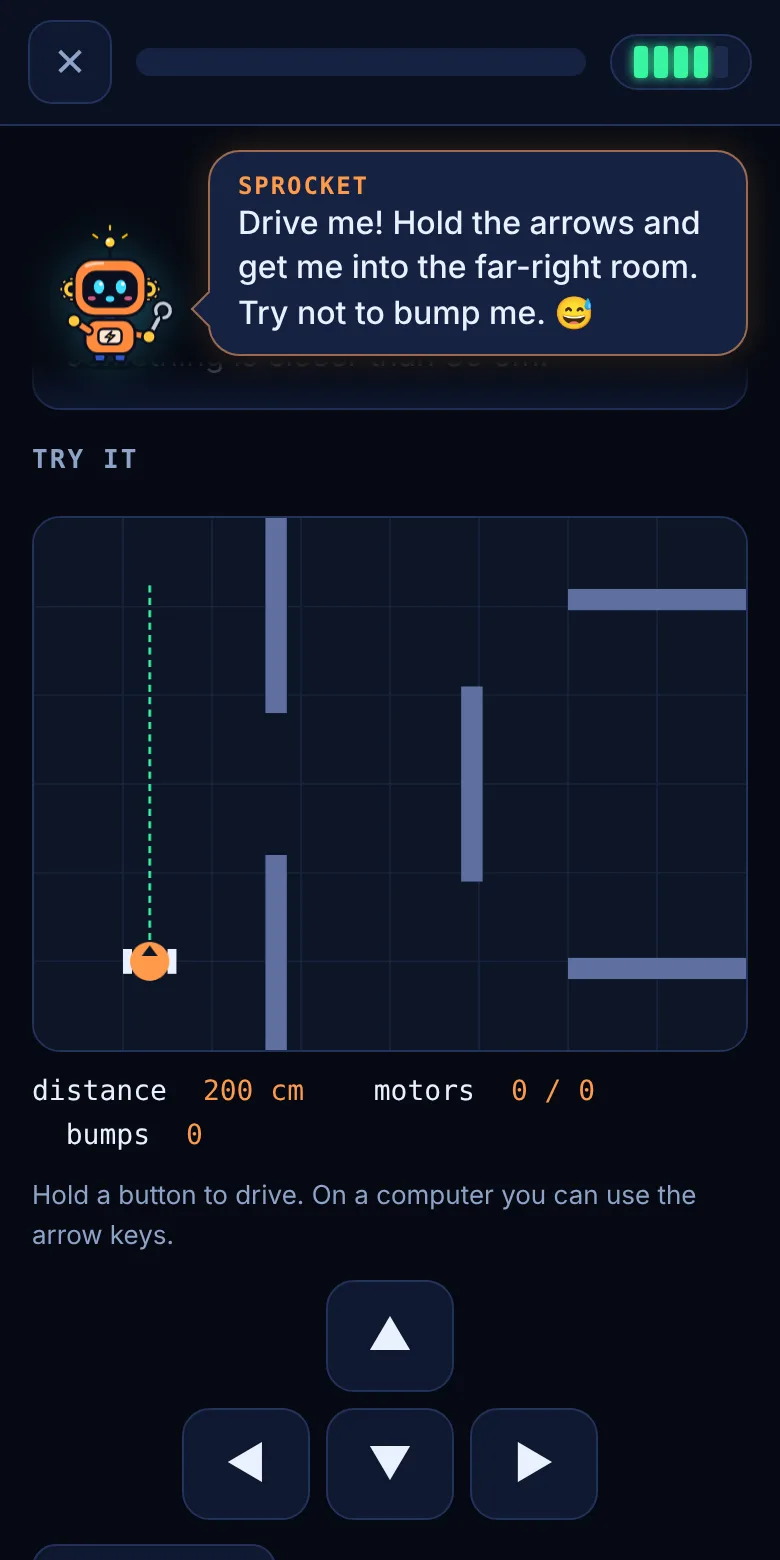
The robot simulator with walls, a distance sensor beam and drive buttons
Robot simulator

Download Maker Lab

Download the installer for your device, then follow the steps.

Android

MakerLab.apk · 71 KB · Android 5.0 or newer
Download for Android
  1. When the download finishes, tap MakerLab.apk (or open it from Files → Downloads).
  2. If Android asks, turn on Allow from this source for your browser or Files app, then go back.
  3. Tap Install. If Play Protect warns about an unknown app, tap More details → Install anyway.
  4. Open Maker Lab from your home screen.

Windows

MakerLab.exe · 5.7 MB · Windows 10 or 11
Download for Windows
  1. Open your Downloads folder and double-click MakerLab.exe.
  2. If you see "Windows protected your PC", click More info → Run anyway.
  3. Maker Lab opens in its own window. Close the window to quit.
The warnings appear because Maker Lab is a new app that isn't from an app store and isn't signed by a big publisher. They don't mean anything is wrong with your device.

No install? Play the full game in any modern browser.

Play in browser ▶

Questions

Can I try it without installing?

Yes. Play Maker Lab in your browser. Your progress is saved in that browser.

Is Maker Lab free?

Yes. There are no ads, accounts or purchases.

Who is it for?

Anyone curious about how software, 3D and robots work, from about age 10 up. You don't need any experience.

Do I need the internet?

Coding and Robotics work offline. The 3D Animation world loads its 3D engine online, so it needs a connection.

Where is my progress saved?

On your device. Your stars, XP and streak stay on that phone or PC; they don't sync between devices.

Who is Sprocket?

Maker Lab's robot mascot and your coach. He has a gear for each ear, a wrench he's always ready to use, and a lot of opinions about your code.